3DEXPERIENCE Native Apps: A Unified, Intelligent Design Environment

- Lalit Gore
- December 24, 2025
The 3DEXPERIENCE Native Apps form the core working environment for designers, engineers, and collaborators who require powerful authoring, visualization, and data management capabilities directly on their devices. These native applications are installed locally on computers or mobile devices, yet remain tightly connected to the 3DEXPERIENCE platform, ensuring seamless collaboration, security, and data continuity across the extended enterprise.
What Are 3DEXPERIENCE Native Apps?
Native Apps are platform-integrated applications that run directly on a user’s system while leveraging the centralized intelligence of the 3DEXPERIENCE platform. They provide a consistent user interface and a shared set of services across all apps, enabling users to create, edit, visualize, search, and manage content without disruption. Whether working online or in controlled environments, users benefit from a stable, responsive, and standards-compliant experience.
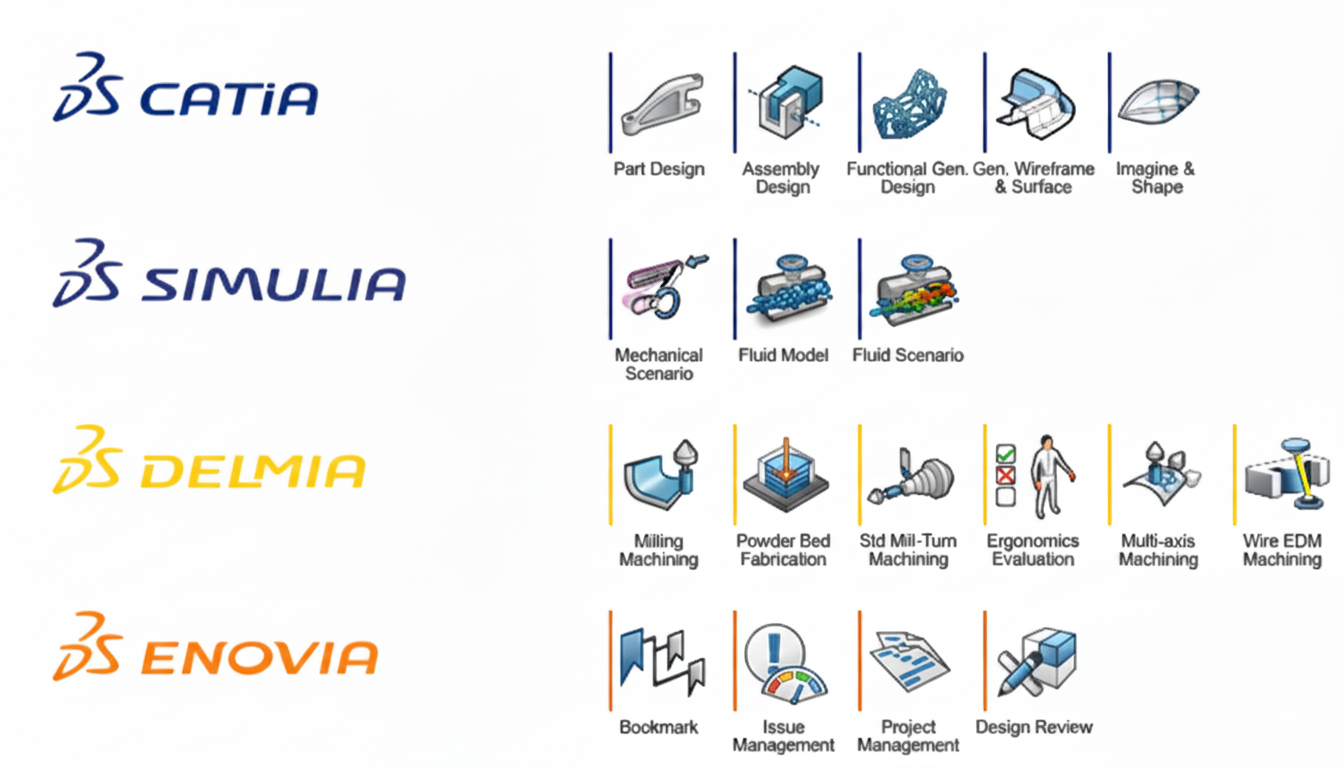
These apps are designed to support industry process–centric design, where data is not isolated within individual tools but is part of a connected digital ecosystem. Design iterations, reviews, and decision-making become faster and more reliable because everyone works from a single source of truth.
A Common User Experience Across All Apps
One of the key strengths of 3DEXPERIENCE Native Apps is the consistency of the user experience. Common interface elements such as the top bar, action bar, object properties, app options, and immersive panels ensure that once users understand the environment, they can confidently move across multiple apps. This reduces learning curves and improves productivity.
The interface adapts to different working contexts, allowing users to focus on design, analysis, or collaboration while maintaining access to essential information like object properties, application options, and system status. The platform also supports extensive customization, enabling organizations and individuals to tailor the interface to their working habits.
Intelligent Content Creation and Management
Native Apps enable users to create, open, modify, and save content directly within the platform’s secure data structure. Content is managed with built-in intelligence that respects roles, responsibilities, and access rights. This ensures that users see and modify only what they are authorized to, while all changes remain traceable and governed.
The platform supports both immediate and controlled saving mechanisms, making it suitable for fast design iterations as well as structured enterprise workflows. Content integrity is preserved even in complex assemblies or multi-user environments, supporting confident collaboration.
Advanced Selection, Navigation, and Visualization
Working efficiently with complex data requires powerful navigation and visualization capabilities. Native Apps provide flexible selection methods, rich tree structures, and synchronized 3D views that help users understand relationships within products and assemblies. Visualization tools allow users to explore models through multiple perspectives, shading modes, and view configurations, improving clarity during design reviews and decision-making.
The tight integration between the tree structure and the 3D workspace ensures that users always understand context—what they are viewing, how it fits into the larger structure, and how it relates to other data.
Favorites and Reusable Work Contexts
The Favorites capability allows users to bookmark complete work contexts, not just individual files. This means frequently accessed product structures, filtered views, or specific working states can be quickly restored. Favorites support both dynamic and static modes, enabling flexibility between always-updated data views and fixed reference states.
By sharing favorites, teams can align on the same data perspectives, significantly improving collaboration and reducing time spent navigating complex structures.
Seamless App-to-App Transitions
The 3DEXPERIENCE platform is designed to support fluid transitions between different applications without reloading or duplicating data. Users can move from finder apps to authoring apps, or between authoring tools, while maintaining working context wherever supported. This continuity allows teams to perform different tasks on the same data efficiently, from exploration and validation to detailed design and refinement.
Such transitions reinforce the platform’s vision of a connected digital workflow rather than isolated application silos.
Collaboration, Messaging, and Enterprise Connectivity
Collaboration is embedded directly into Native Apps through integrated messaging and sharing capabilities. Teams can exchange ideas, review designs, and communicate in real time while working on the same content. This tight integration ensures that discussions remain contextual, relevant, and traceable to the actual data.
The platform’s open architecture also supports industry-standard content exchange formats, enabling interaction with external systems and partners while maintaining governance and security.
Designed for Enterprise-Grade Performance and Standards
Available on Windows environments and fully compliant with modern UI standards, 3DEXPERIENCE Native Apps are built for enterprise reliability and scalability. They combine local performance with cloud-connected intelligence, ensuring responsiveness without compromising collaboration or data control.
Conclusion
3DEXPERIENCE Native Apps provide a powerful, unified environment where design, data management, visualization, and collaboration come together. By offering a consistent user experience, intelligent content handling, advanced visualization, and seamless app transitions, they empower organizations to work more efficiently, innovate faster, and collaborate more effectively across the extended enterprise.
For organizations adopting the 3DEXPERIENCE platform, Native Apps are not just tools—they are the foundation of a connected, agile, and future-ready digital engineering ecosystem.

Recent Posts
-
From Prototypes to Production: How Additive Manufacturing is Shaping Atmanirbhar Bharat
The conversation around additive manufacturing (AM) in India has evolved considerably over the past decade. What was once viewed primarily as a prototyping technology is…
-

Identify Stray Light in Imaging Systems with LightTools
Stray light is undesired light radiation that interacts with the components of a system and degrades its performance by generating noise, that significantly reduces image…
-
Redefining the Riding Experience with RAMSIS
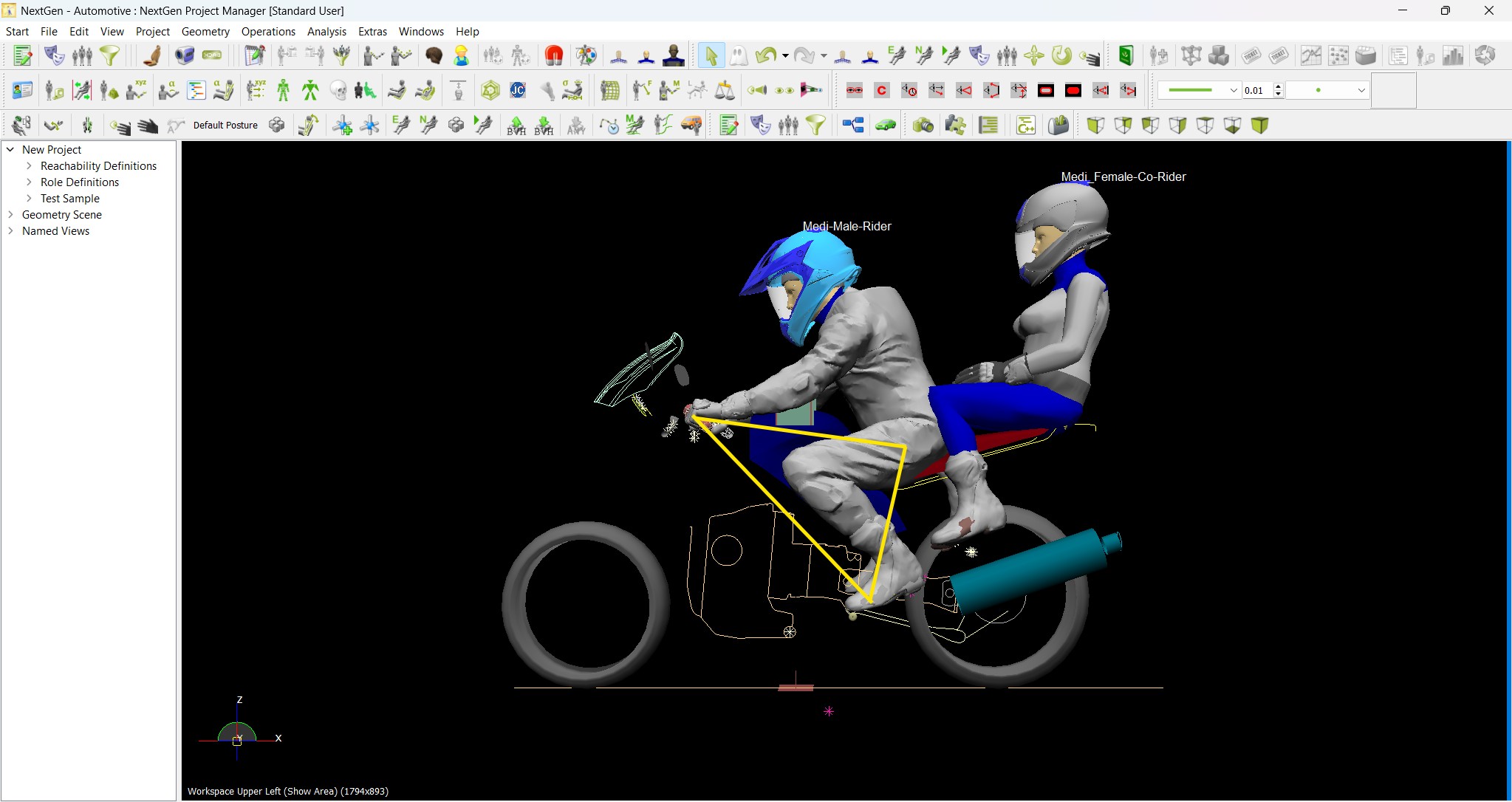
In two‑wheeler design, comfort and safety start with the rider. RAMSIS (Realistic Anthropometric Mathematical System of Interior Comfort Simulation) is an ergonomic simulation platform that…
-
Enhancing Product Understanding through 3D Technical Illustrator
The 3D Technical Illustrator role within the 3DEXPERIENCE Platform enables organizations to transform complex engineering data into clear, interactive, and visually rich technical documentation. In…
-

Transforming Physical Parts into Digital Models with CATIA 3DEXPERIENCE Reverse Engineer role
Reverse engineering has become a critical capability in modern product development, especially when working with legacy components, competitor benchmarking, or physical prototypes that lack digital…
-
Fixing Search Service Down Issue in 3DEXPERIENCE Platform
Search is one of the most critical features in the 3DEXPERIENCE platform. If the search service goes down, users cannot find objects, documents, or data—impacting…
-
Common Installation Errors and How to Fix Them in 3DEXPERIENCE
The 3DEXPERIENCE Platform is a powerful solution used by industries worldwide for product lifecycle management (PLM), simulation, and collaboration. However, installing 3DEXPERIENCE—especially on-premise—can be complex…
-
From Classroom to Industry: Empowering Future Engineers with the 3DEXPERIENCE Platform
In today’s fast-evolving engineering and design landscape, educational institutions must go beyond conventional CAD teaching methods. While standalone tools like CATIA V5, SOLIDWORKS, or traditional…
- Lalit Gore
- December 24, 2025
3DEXPERIENCE Native Apps: A Unified, Intelligent Design Environment
The 3DEXPERIENCE Native Apps form the core working environment for designers, engineers, and collaborators who require powerful authoring, visualization, and data management capabilities directly on their devices. These native applications are installed locally on computers or mobile devices, yet remain tightly connected to the 3DEXPERIENCE platform, ensuring seamless collaboration, security, and data continuity across the extended enterprise.
What Are 3DEXPERIENCE Native Apps?
Native Apps are platform-integrated applications that run directly on a user’s system while leveraging the centralized intelligence of the 3DEXPERIENCE platform. They provide a consistent user interface and a shared set of services across all apps, enabling users to create, edit, visualize, search, and manage content without disruption. Whether working online or in controlled environments, users benefit from a stable, responsive, and standards-compliant experience.
These apps are designed to support industry process–centric design, where data is not isolated within individual tools but is part of a connected digital ecosystem. Design iterations, reviews, and decision-making become faster and more reliable because everyone works from a single source of truth.
A Common User Experience Across All Apps
One of the key strengths of 3DEXPERIENCE Native Apps is the consistency of the user experience. Common interface elements such as the top bar, action bar, object properties, app options, and immersive panels ensure that once users understand the environment, they can confidently move across multiple apps. This reduces learning curves and improves productivity.
The interface adapts to different working contexts, allowing users to focus on design, analysis, or collaboration while maintaining access to essential information like object properties, application options, and system status. The platform also supports extensive customization, enabling organizations and individuals to tailor the interface to their working habits.
Intelligent Content Creation and Management
Native Apps enable users to create, open, modify, and save content directly within the platform’s secure data structure. Content is managed with built-in intelligence that respects roles, responsibilities, and access rights. This ensures that users see and modify only what they are authorized to, while all changes remain traceable and governed.
The platform supports both immediate and controlled saving mechanisms, making it suitable for fast design iterations as well as structured enterprise workflows. Content integrity is preserved even in complex assemblies or multi-user environments, supporting confident collaboration.
Advanced Selection, Navigation, and Visualization
Working efficiently with complex data requires powerful navigation and visualization capabilities. Native Apps provide flexible selection methods, rich tree structures, and synchronized 3D views that help users understand relationships within products and assemblies. Visualization tools allow users to explore models through multiple perspectives, shading modes, and view configurations, improving clarity during design reviews and decision-making.
The tight integration between the tree structure and the 3D workspace ensures that users always understand context—what they are viewing, how it fits into the larger structure, and how it relates to other data.
Favorites and Reusable Work Contexts
The Favorites capability allows users to bookmark complete work contexts, not just individual files. This means frequently accessed product structures, filtered views, or specific working states can be quickly restored. Favorites support both dynamic and static modes, enabling flexibility between always-updated data views and fixed reference states.
By sharing favorites, teams can align on the same data perspectives, significantly improving collaboration and reducing time spent navigating complex structures.
Seamless App-to-App Transitions
The 3DEXPERIENCE platform is designed to support fluid transitions between different applications without reloading or duplicating data. Users can move from finder apps to authoring apps, or between authoring tools, while maintaining working context wherever supported. This continuity allows teams to perform different tasks on the same data efficiently, from exploration and validation to detailed design and refinement.
Such transitions reinforce the platform’s vision of a connected digital workflow rather than isolated application silos.
Collaboration, Messaging, and Enterprise Connectivity
Collaboration is embedded directly into Native Apps through integrated messaging and sharing capabilities. Teams can exchange ideas, review designs, and communicate in real time while working on the same content. This tight integration ensures that discussions remain contextual, relevant, and traceable to the actual data.
The platform’s open architecture also supports industry-standard content exchange formats, enabling interaction with external systems and partners while maintaining governance and security.
Designed for Enterprise-Grade Performance and Standards
Available on Windows environments and fully compliant with modern UI standards, 3DEXPERIENCE Native Apps are built for enterprise reliability and scalability. They combine local performance with cloud-connected intelligence, ensuring responsiveness without compromising collaboration or data control.
Conclusion
3DEXPERIENCE Native Apps provide a powerful, unified environment where design, data management, visualization, and collaboration come together. By offering a consistent user experience, intelligent content handling, advanced visualization, and seamless app transitions, they empower organizations to work more efficiently, innovate faster, and collaborate more effectively across the extended enterprise.
For organizations adopting the 3DEXPERIENCE platform, Native Apps are not just tools—they are the foundation of a connected, agile, and future-ready digital engineering ecosystem.