Search is one of the most critical features in the 3DEXPERIENCE platform. If the search service goes down, users cannot find objects, documents, or data—impacting productivity immediately.
In this blog, we’ll cover how to troubleshoot and fix search service issues related to:
- 3DSearch
- Federated Search (FedSearch)
- Indexing services
Common Symptoms
You may be facing a search service issue if:
- Search returns no results
- Search is very slow
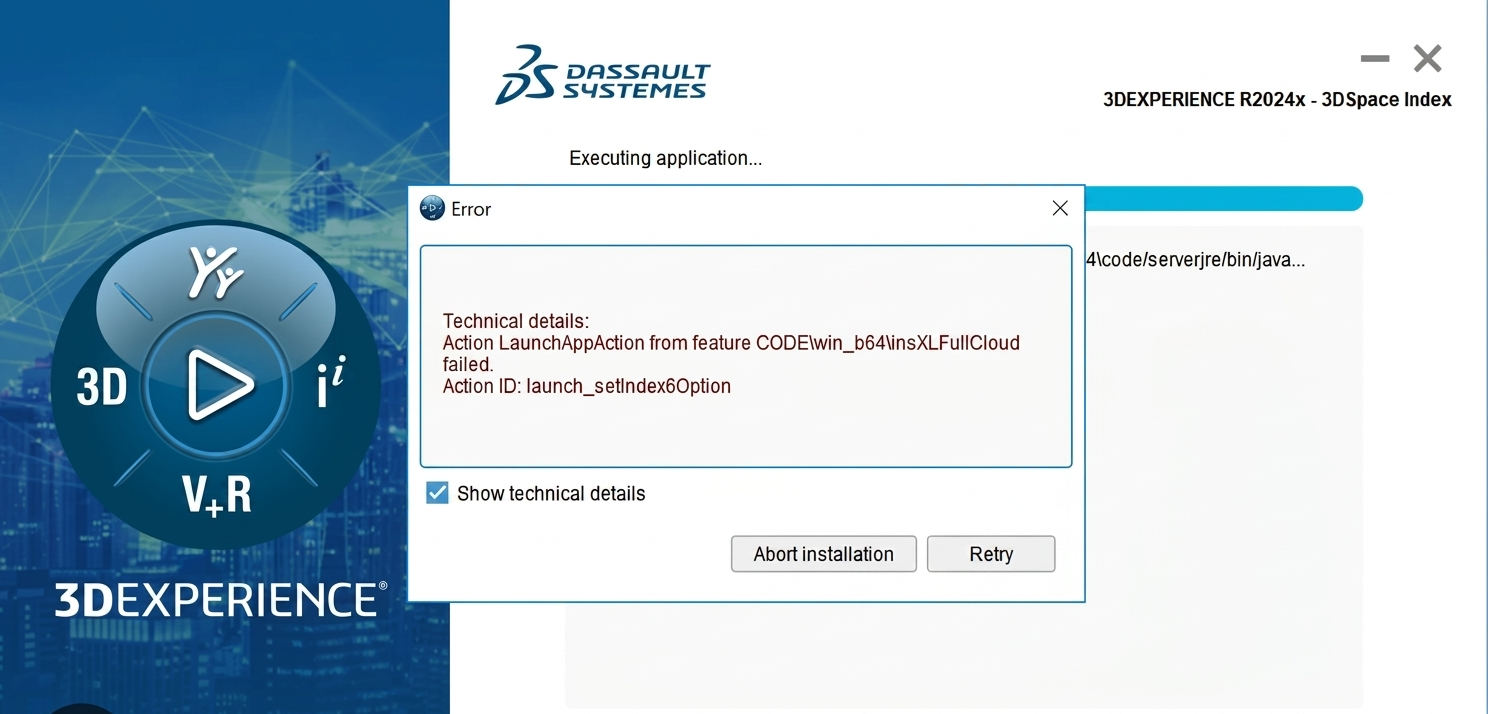
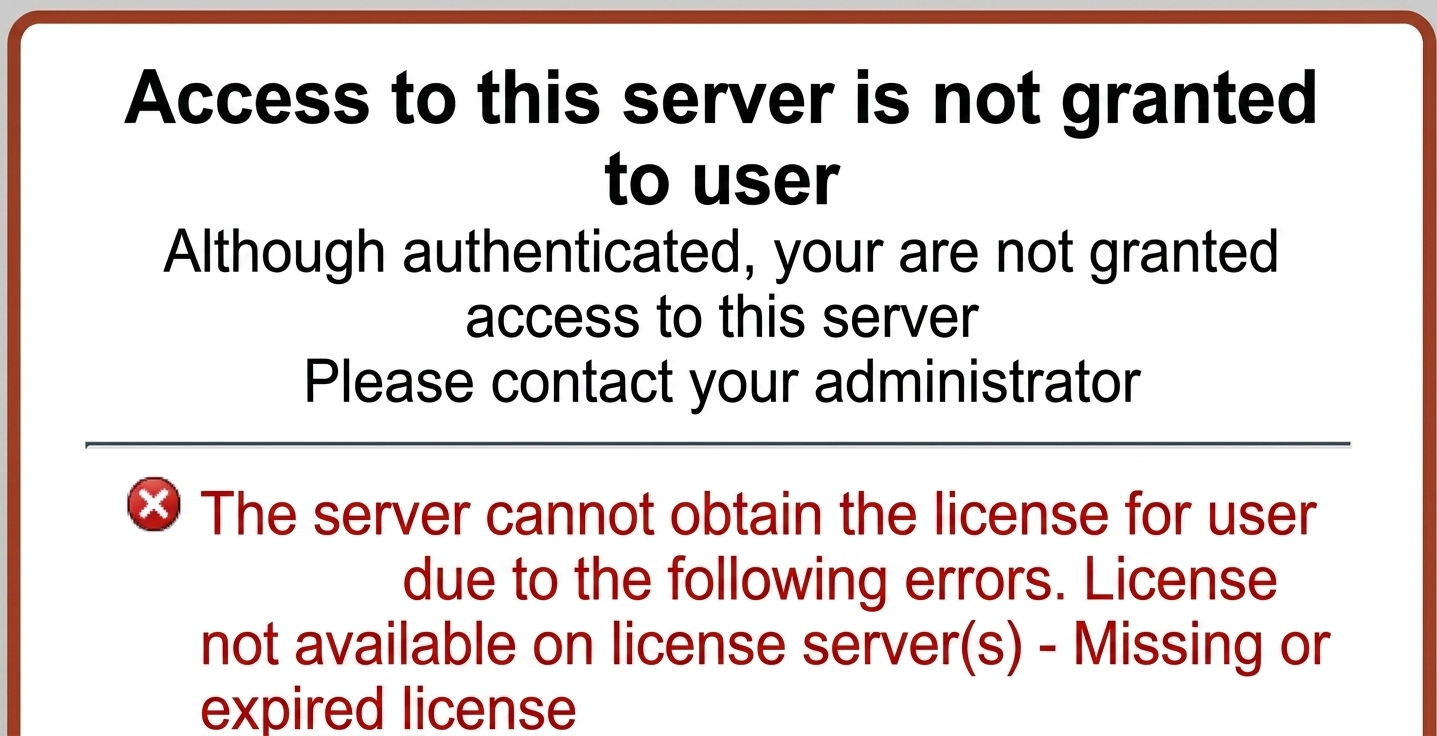
- Error like “Search Service Not Available”
- Infinite loading while searching
- FedSearch not showing external results
Understanding How Search Works
In 3DEXPERIENCE:
- 3DSearch handles indexing and search queries
- Data is stored in search indexes (similar to Elasticsearch concept)
- Platform services communicate with search engine
If any of these components fail → search stops working.
Step-by-Step Troubleshooting Guide
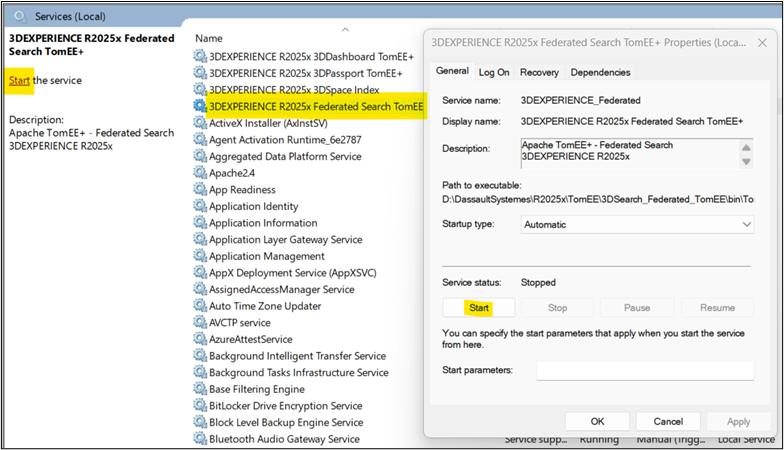
Check Search Service Status
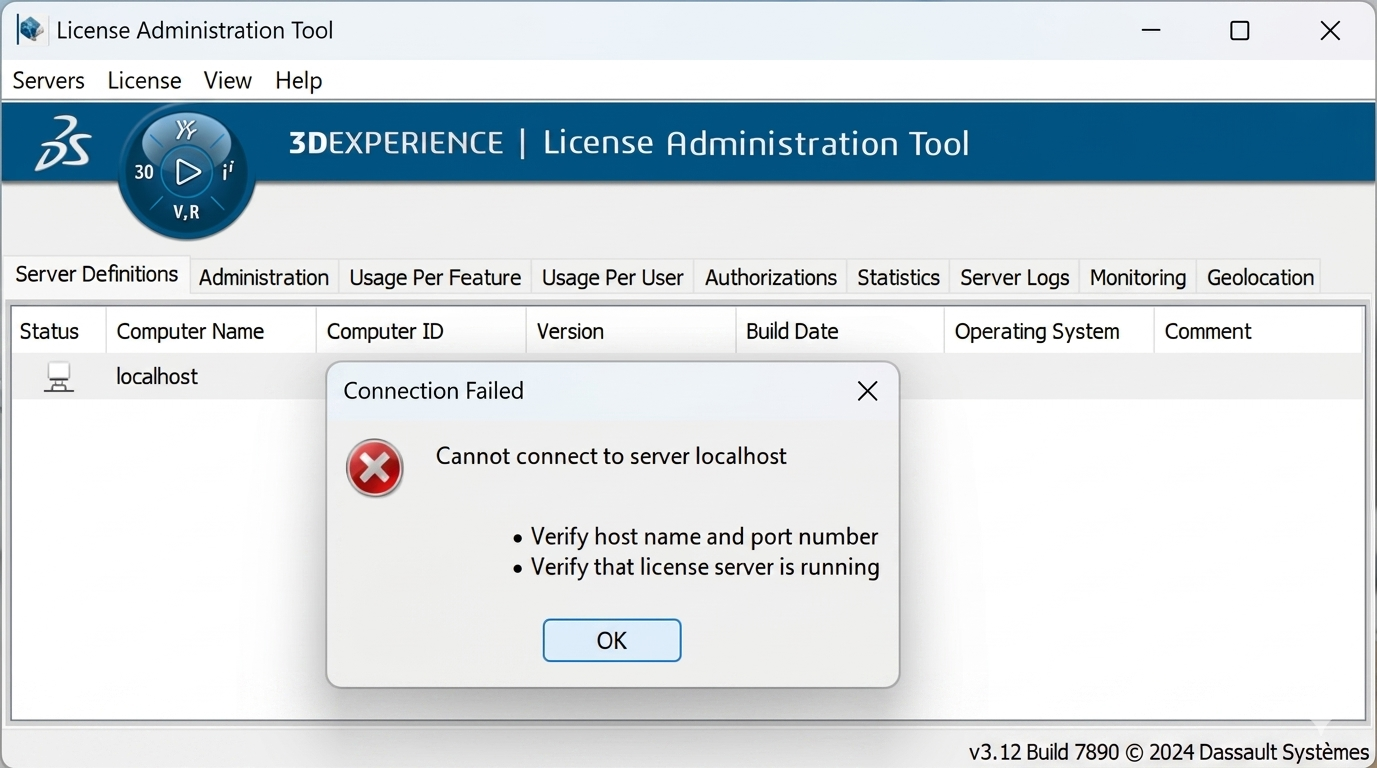
Login to server and verify services:
- Check if 3DSearch service in services is running
- On Linux: ps -ef | grep search
- On Windows: Check in Services.msc
If service is stopped → start it.
Verify Platform Services
Ensure below services are up:
- 3DSearch
- 3DSpace
- 3DPassport
If any service is down → restart all services in proper sequence.
Check Logs (Most Important )
Go to log directory: <Install_Dir>/logs/
Check:
- Search logs
- TomEE logs
- Platform logs
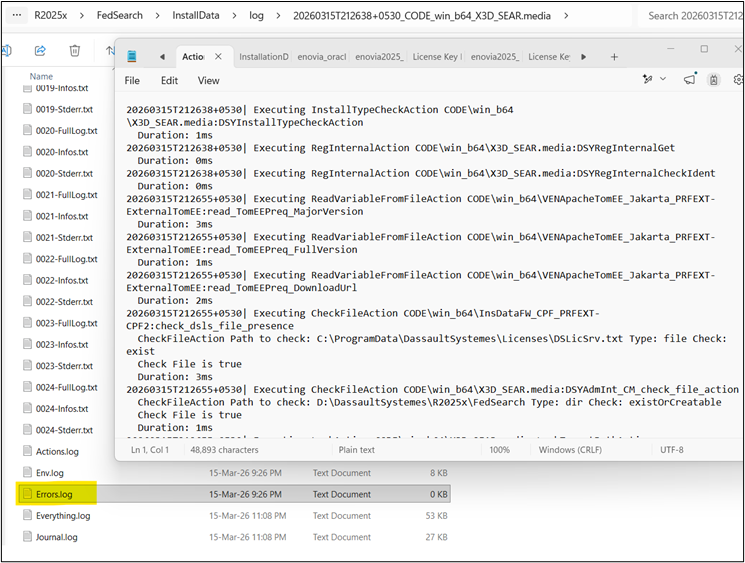
Look for errors like:
- Connection refused
- Index corruption
- Out of memory
Check Indexing Status
Sometimes search is up but indexing is broken.
Symptoms:
- Old data visible
- New data not searchable
Fix:
- Rebuild index from admin tools
- Restart indexing service
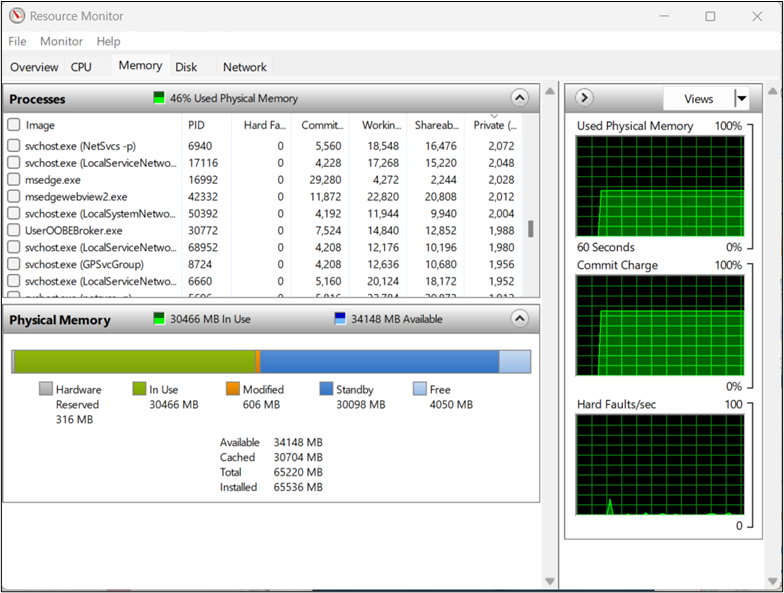
Disk Space & Memory Check
Search services require high resources.
Check: df -h, free -m
If disk is full or RAM is low:
- Clean temp files
- Increase memory
Check Port Availability
Search service runs on specific ports.
Verify ports are not blocked:
netstat -tulnp | grep <port>
If blocked:
- Open firewall ports
- Resolve conflicts
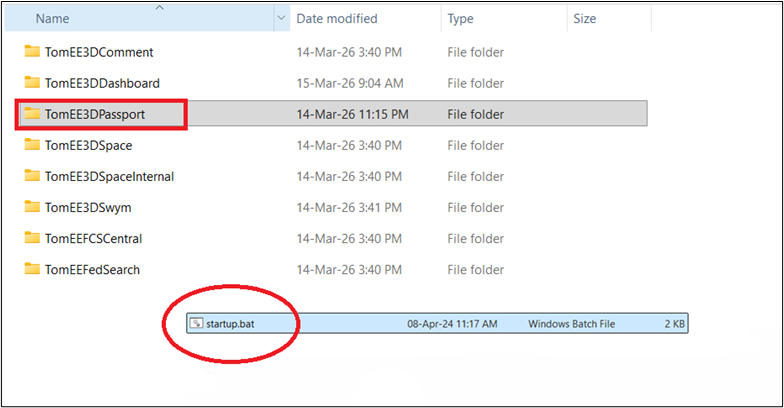
Restart in Correct Order
Recommended restart sequence:
Stop all services
Start:
- Database
- 3DPassport
- 3DSearch
- 3DSpace
Wrong order can cause service dependency failure.
Verify FedSearch Configuration
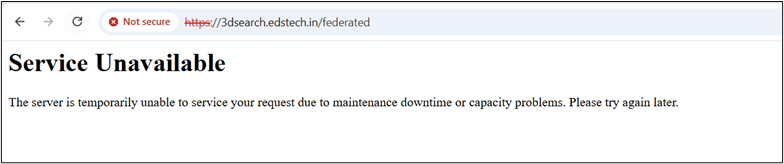
If Federated Search not working:
Check:
- External connectors
- Network access
- Configuration in admin panel
Common Issues & Fixes
Issue: Search returns blank results
- Cause: Index corruption
- Fix: Rebuild index
Issue: Search service not starting
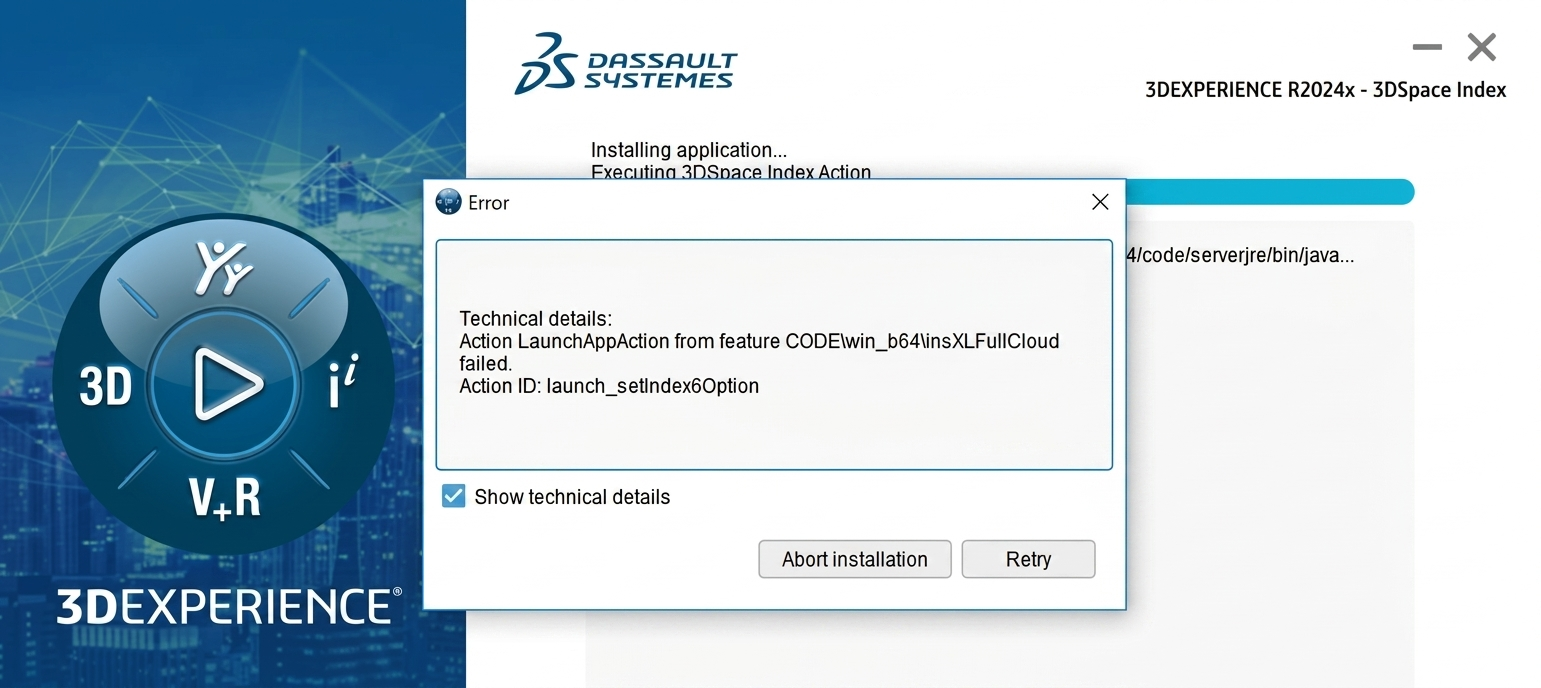
- Cause: Port conflict / Java issue
- Fix: Change port or check Java config
Issue: Slow search performance
- Cause: Low memory
- Fix: Increase JVM heap size
Issue: FedSearch not working
- Cause: Connector misconfiguration
- Fix: Reconfigure external search
Pro Tips (From Real Support Experience)
- Always check logs first (saves time)
- Maintain regular index rebuild schedule
- Monitor server health (CPU, RAM, Disk)
- Use dedicated server for search in large environments
Conclusion
Search-related issues in the 3DEXPERIENCE Platform are commonly caused by factors such as service downtime, indexing problems, or underlying resource limitations. By systematically addressing these areas, organizations can efficiently identify the root cause of the issue, restore search functionality, and enhance overall platform performance and user experience.