Common Installation Errors and How to Fix Them in 3DEXPERIENCE
- Akshay Hedaoo
- April 28, 2026
The 3DEXPERIENCE Platform is a powerful solution used by industries worldwide for product lifecycle management (PLM), simulation, and collaboration. However, installing 3DEXPERIENCE—especially on-premise—can be complex and often leads to various errors.
In this blog, we will explore the most common installation errors and provide practical solutions to fix them.
ENOAppsCommon Error
Error : ENOAppsCommonAction failed
Cause:
- Missing prerequisites
- Incorrect environment variables
Solution:
- Verify Java, Apache, TomEE versions
- Set environment variables correctly
- Run installer as Administrator
3DSpace Installation Failure
Error : MQL command failed
Cause:
- Database misconfiguration
- Missing tablespaces
Solution:
- Create required tablespaces
- Verify DB credentials
- Check logs for failed commands
3DPassport Not Starting
Error : Service fails to start
Cause:
- Missing database.properties
- Wrong DB configuration
Solution:
- Reconfigure database
- Verify file path and permissions
- Restart TomEE
3DDashboard Not Loading
Issue : Dashboard service not accessible
Cause:
Dependency services not running
Solution:
- Start 3DPassport first
- Check ports and logs
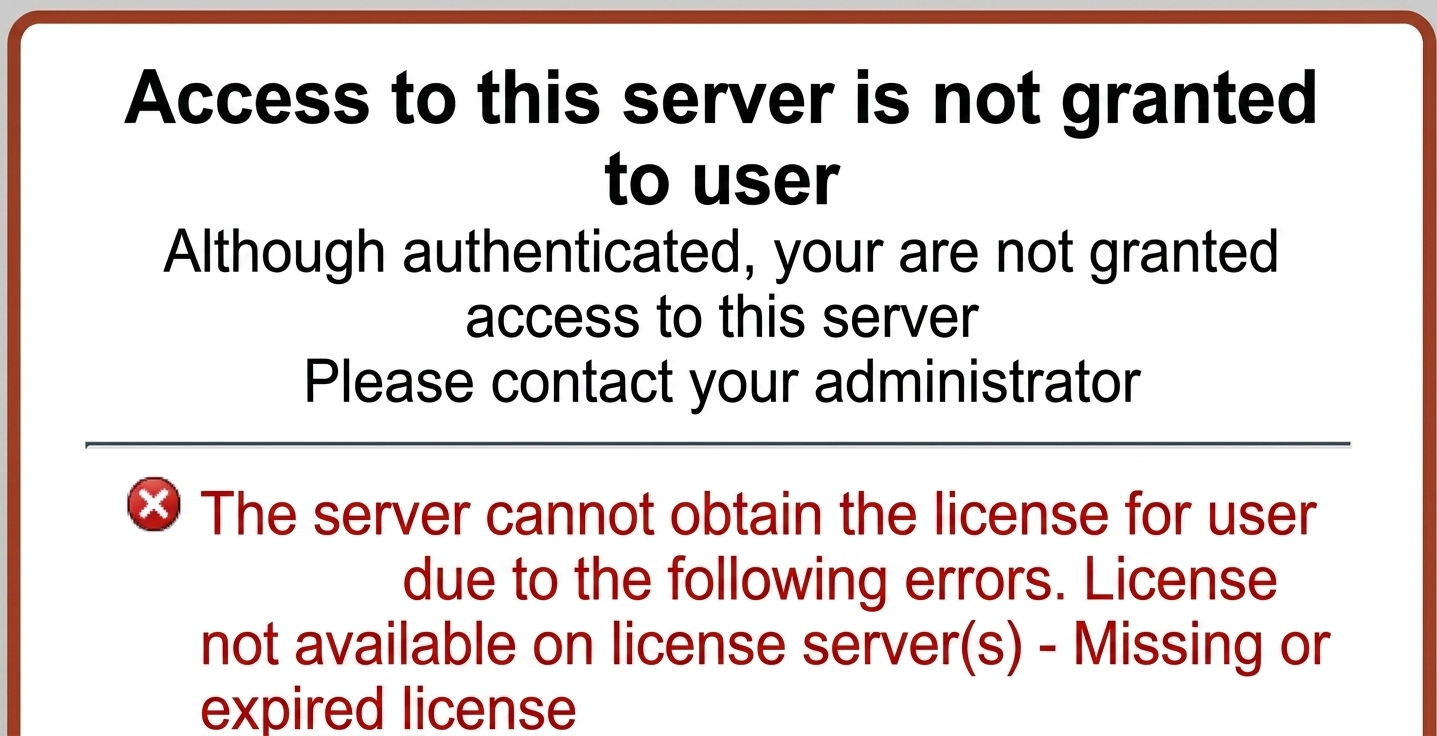
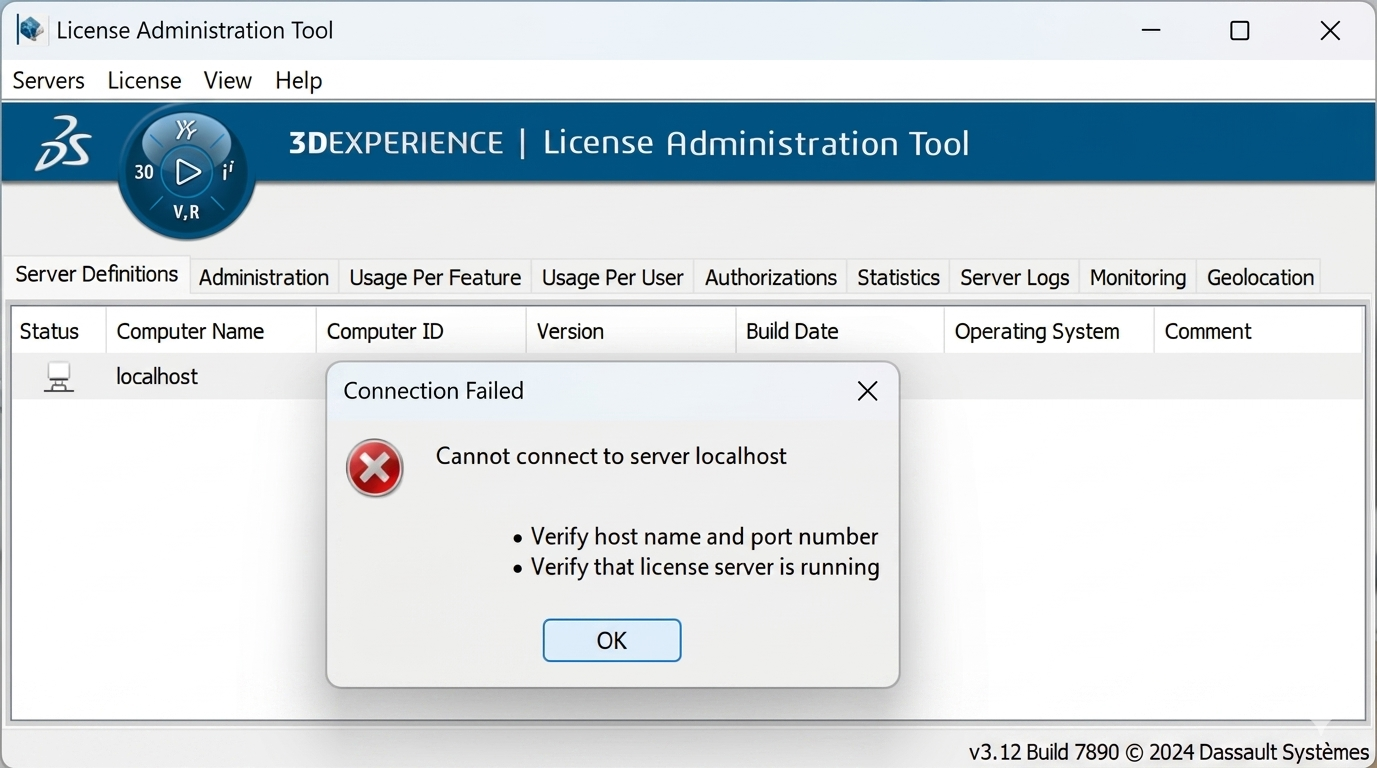
DSLS License Server Issue
Error : License not detected
Cause:
- MAC ID mismatch
Solution:
- Verify MAC address
- Re-import license
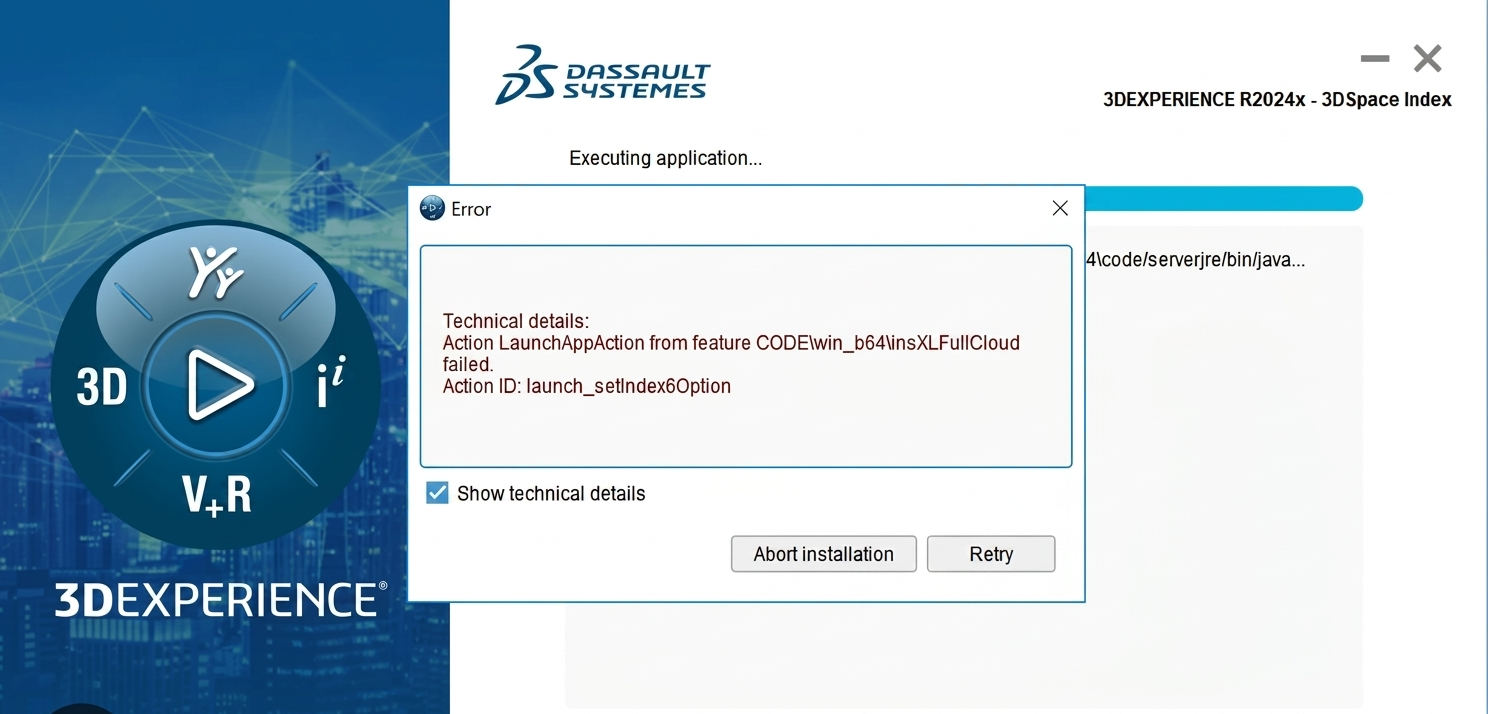
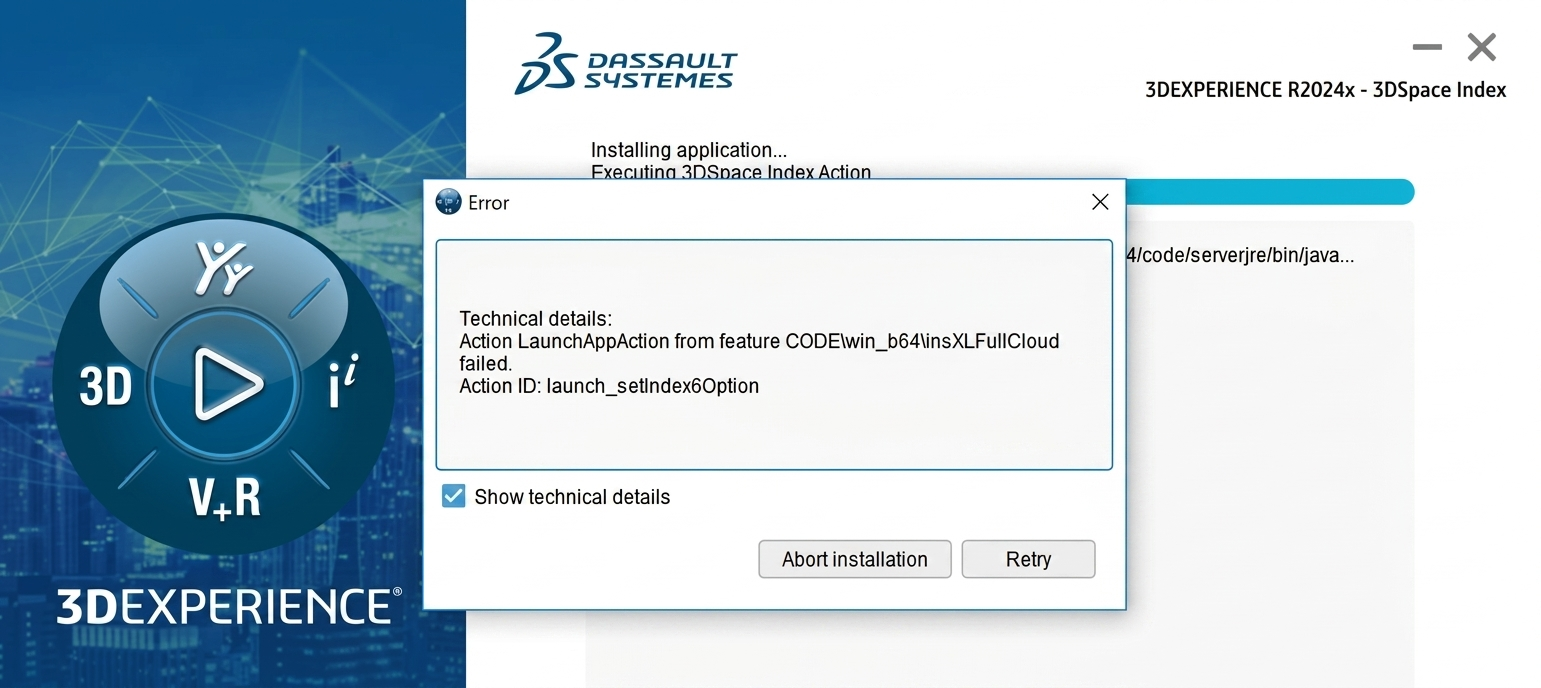
SpaceIndex Installation Failure
Error : startupXL failed
Cause:
- Corrupted files or consumed ports.
- Missing dependencies
Solution:
- Re-download media
- Check system requirements
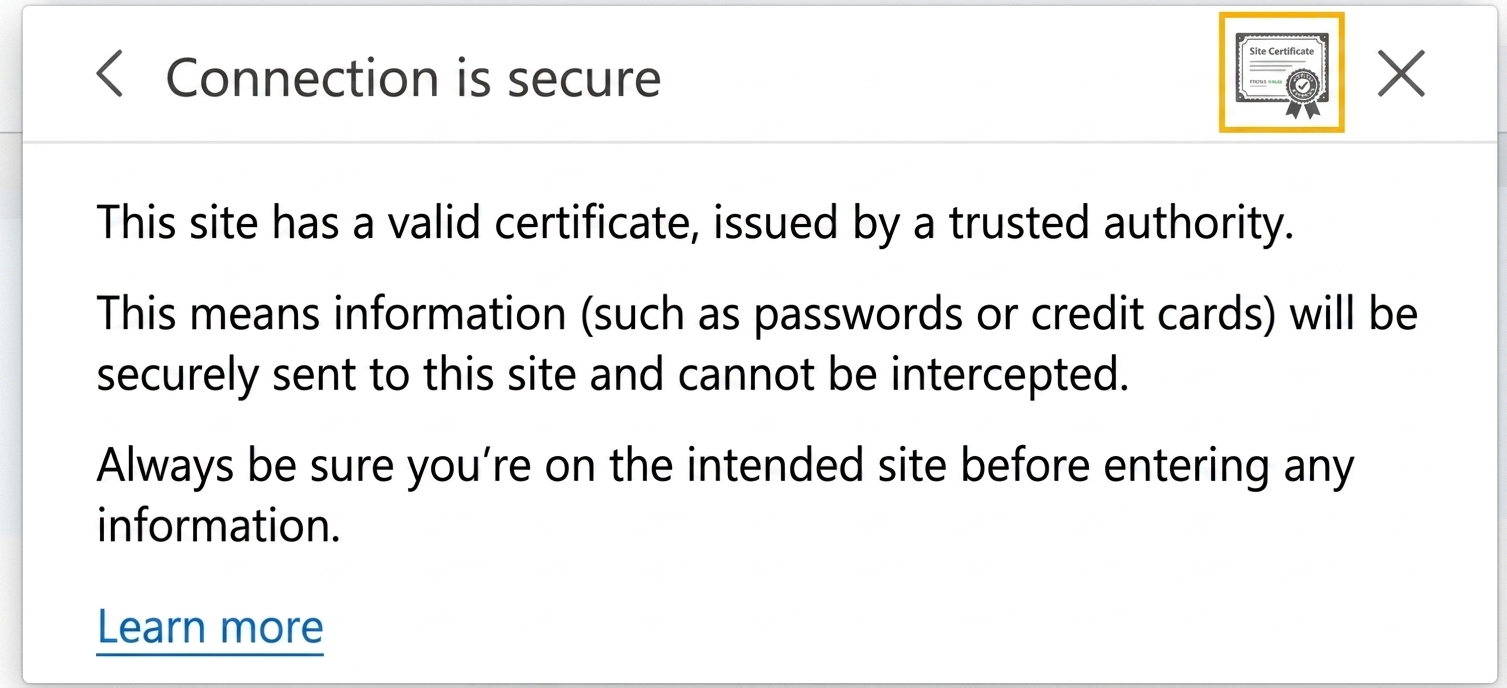
SSL Certificate Error
Error : ‘Not Secure’ in browser
Cause:
- Certificate mismatch
Solution:
- Generate correct SSL certificate
- Update Apache config
Port Conflict Issue
Error : Service not starting due to port usage
Cause:
- Port already in use
Solution:
- Use netstat -ano to identify process
- Change port in config files
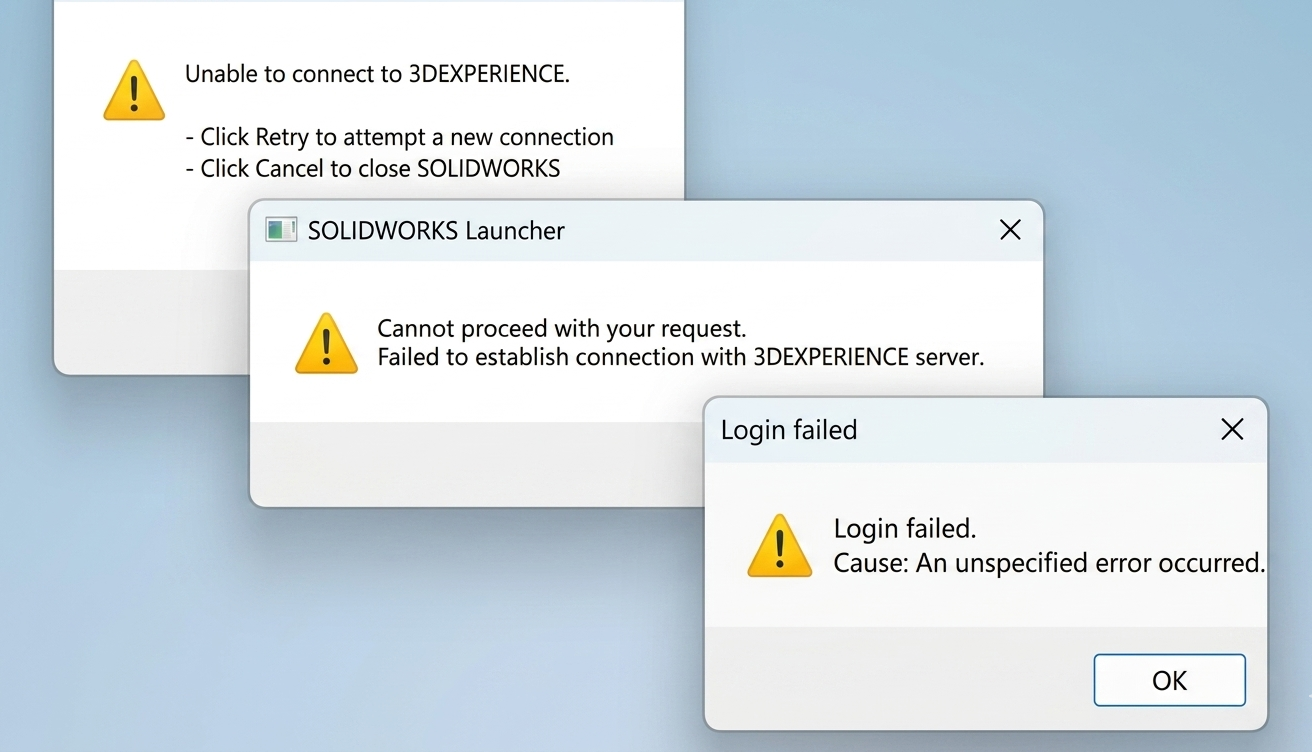
Database Connection Failure
Error : Unable to connect to DB
Cause:
- Wrong credentials
- SQL Server not running
Solution:
- Verify username/password
- Check DB services
- Allow TCP/IP in SQL Server
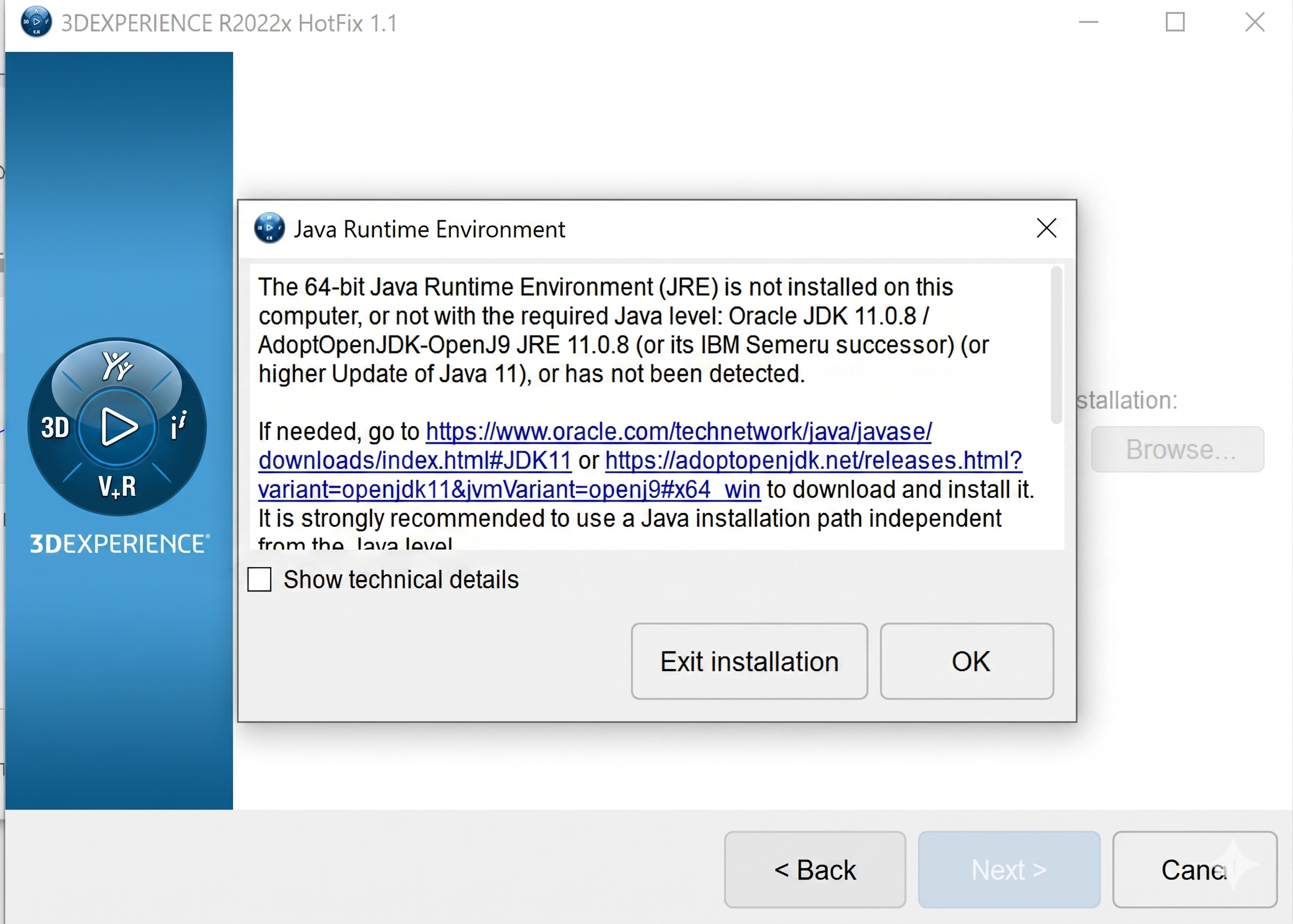
Java Version Mismatch
Error : Installation fails or services crash
Cause:
- Unsupported Java version
Solution:
- Install recommended JDK version
- Update JAVA_HOME
Insufficient System Resources
Issue : Installation slow or stuck
Cause:
- Low RAM/CPU
Solution:
- Minimum 32GB RAM recommended
- Use SSD storage
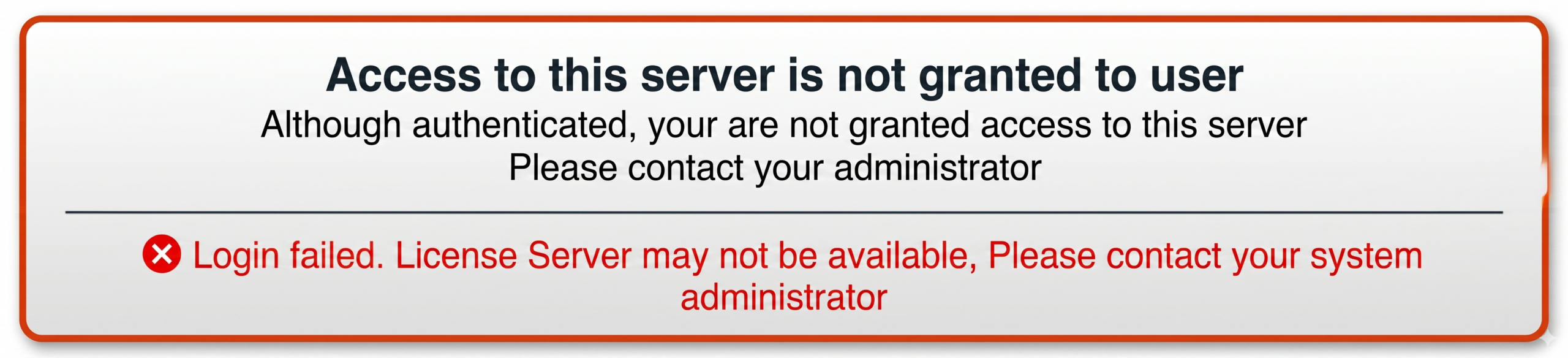
Permission Issues
Error : Access denied during installation
Cause:
- Limited user privileges
Solution:
- Run as Administrator
- Provide full folder permissions
Antivirus or Firewall Blocking
Issue : Installation interrupted
Cause:
- Security software blocking files
Solution:
- Temporarily disable antivirus
- Add installation folder to exceptions
Incorrect Hostname Configuration
Error : Services not accessible via URL
Cause:
- Hostname not mapped properly
Solution:
- Update hosts file
- Verify DNS settings
Best Practices
- Always follow official documentation
- Prepare prerequisites in advance
- Use recommended hardware
- Monitor logs carefully
- Take backup before installation
Conclusion
Installing the 3DEXPERIENCE Platform requires careful planning and correct configuration. Most errors are related to environment setup, database issues, or system limitations. By understanding these 12+ common issues, you can significantly reduce installation time and improve success rate.

Recent Posts
-
From Prototypes to Production: How Additive Manufacturing is Shaping Atmanirbhar Bharat
The conversation around additive manufacturing (AM) in India has evolved considerably over the past decade. What was once viewed primarily as a prototyping technology is…
-
Identify Stray Light in Imaging Systems with LightTools
Stray light is undesired light radiation that interacts with the components of a system and degrades its performance by generating noise, that significantly reduces image…
-
Redefining the Riding Experience with RAMSIS
In two‑wheeler design, comfort and safety start with the rider. RAMSIS (Realistic Anthropometric Mathematical System of Interior Comfort Simulation) is an ergonomic simulation platform that…
-

Enhancing Product Understanding through 3D Technical Illustrator
The 3D Technical Illustrator role within the 3DEXPERIENCE Platform enables organizations to transform complex engineering data into clear, interactive, and visually rich technical documentation. In…
-

Transforming Physical Parts into Digital Models with CATIA 3DEXPERIENCE Reverse Engineer role
Reverse engineering has become a critical capability in modern product development, especially when working with legacy components, competitor benchmarking, or physical prototypes that lack digital…
-
Fixing Search Service Down Issue in 3DEXPERIENCE Platform
Search is one of the most critical features in the 3DEXPERIENCE platform. If the search service goes down, users cannot find objects, documents, or data—impacting…
-

From Classroom to Industry: Empowering Future Engineers with the 3DEXPERIENCE Platform
In today’s fast-evolving engineering and design landscape, educational institutions must go beyond conventional CAD teaching methods. While standalone tools like CATIA V5, SOLIDWORKS, or traditional…
-
CATIA Composer – Transforming Engineering Data into Interactive Technical Documentation
CATIA Composer is a powerful desktop application from Dassault Systemes designed to transform engineering 3D CAD data into highly intuitive and interactive technical documentation. In…
- Akshay Hedaoo
- April 28, 2026
Common Installation Errors and How to Fix Them in 3DEXPERIENCE
The 3DEXPERIENCE Platform is a powerful solution used by industries worldwide for product lifecycle management (PLM), simulation, and collaboration. However, installing 3DEXPERIENCE—especially on-premise—can be complex and often leads to various errors.
In this blog, we will explore the most common installation errors and provide practical solutions to fix them.
ENOAppsCommon Error
Error : ENOAppsCommonAction failed
Cause:
- Missing prerequisites
- Incorrect environment variables
Solution:
- Verify Java, Apache, TomEE versions
- Set environment variables correctly
- Run installer as Administrator
3DSpace Installation Failure
Error : MQL command failed
Cause:
- Database misconfiguration
- Missing tablespaces
Solution:
- Create required tablespaces
- Verify DB credentials
- Check logs for failed commands
3DPassport Not Starting
Error : Service fails to start
Cause:
- Missing database.properties
- Wrong DB configuration
Solution:
- Reconfigure database
- Verify file path and permissions
- Restart TomEE
3DDashboard Not Loading
Issue : Dashboard service not accessible
Cause:
Dependency services not running
Solution:
- Start 3DPassport first
- Check ports and logs
DSLS License Server Issue
Error : License not detected
Cause:
- MAC ID mismatch
Solution:
- Verify MAC address
- Re-import license
SpaceIndex Installation Failure
Error : startupXL failed
Cause:
- Corrupted files or consumed ports.
- Missing dependencies
Solution:
- Re-download media
- Check system requirements
SSL Certificate Error
Error : ‘Not Secure’ in browser
Cause:
- Certificate mismatch
Solution:
- Generate correct SSL certificate
- Update Apache config
Port Conflict Issue
Error : Service not starting due to port usage
Cause:
- Port already in use
Solution:
- Use netstat -ano to identify process
- Change port in config files
Database Connection Failure
Error : Unable to connect to DB
Cause:
- Wrong credentials
- SQL Server not running
Solution:
- Verify username/password
- Check DB services
- Allow TCP/IP in SQL Server
Java Version Mismatch
Error : Installation fails or services crash
Cause:
- Unsupported Java version
Solution:
- Install recommended JDK version
- Update JAVA_HOME
Insufficient System Resources
Issue : Installation slow or stuck
Cause:
- Low RAM/CPU
Solution:
- Minimum 32GB RAM recommended
- Use SSD storage
Permission Issues
Error : Access denied during installation
Cause:
- Limited user privileges
Solution:
- Run as Administrator
- Provide full folder permissions
Antivirus or Firewall Blocking
Issue : Installation interrupted
Cause:
- Security software blocking files
Solution:
- Temporarily disable antivirus
- Add installation folder to exceptions
Incorrect Hostname Configuration
Error : Services not accessible via URL
Cause:
- Hostname not mapped properly
Solution:
- Update hosts file
- Verify DNS settings
Best Practices
- Always follow official documentation
- Prepare prerequisites in advance
- Use recommended hardware
- Monitor logs carefully
- Take backup before installation
Conclusion
Installing the 3DEXPERIENCE Platform requires careful planning and correct configuration. Most errors are related to environment setup, database issues, or system limitations. By understanding these 12+ common issues, you can significantly reduce installation time and improve success rate.